
Meet Your Child’s New World
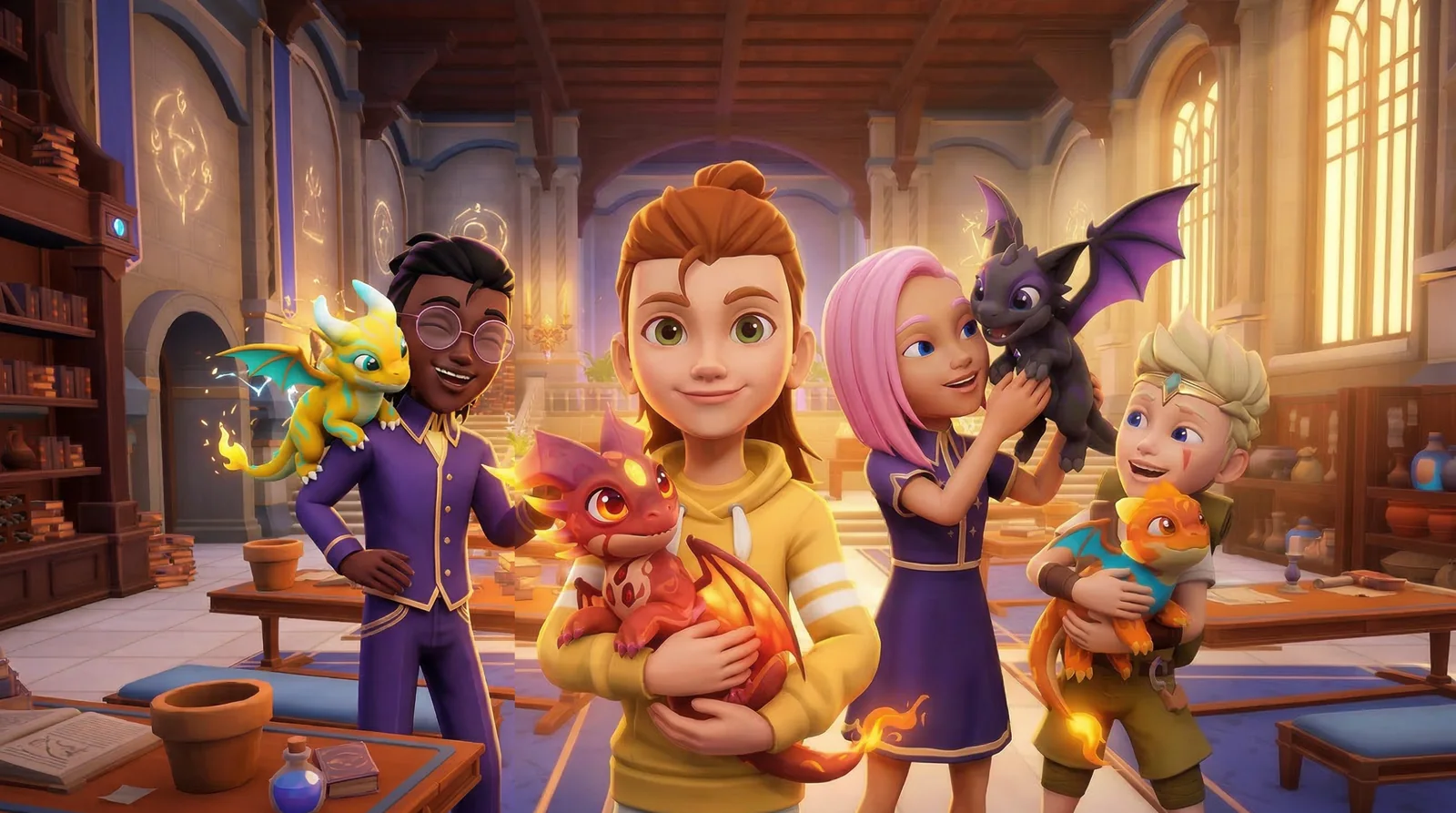
“Woah! Look at my Chimera!” If your child is playing PowerZ, they’ve jumped into an immersive 3D open-world adventure designed for kids ages 6+. As apprentice mages exploring the magical realm of Aria, players embark on story quests alongside their very own Chimera companion.
Because the game is story-driven, basic reading skills are recommended so your child can comfortably follow along and play independently. Kids can also enjoy fun multiplayer experiences like BOLT.
Where Does the Learning Happen?
PowerZ turns screen time into active growth. Our narrative quests and adaptive mini-games seamlessly cover K–6 concepts across math, geography, history, and logic.
Training Grounds Include:
- Math equations in Corridor of 1,000 Doors
- Grammar practice in Tower of Words
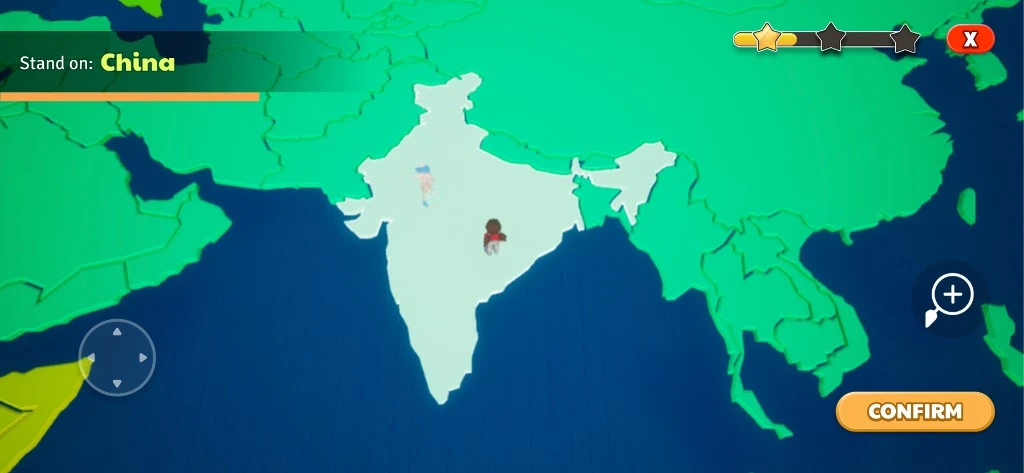
- World geography in Globetrotter (such as locating countries on a world map)
- Historical exploration in Chrono-Shuffle
How Adaptive Difficulty Works
The game’s difficulty naturally adapts as your child plays. Built right into the progression of quests and exploration, the system keeps kids in their personal learning sweet spot. For a complete breakdown of subjects, visit our Learning Hub.
Ad-Free Play, with Optional Purchases
- 100% Ad-Free: PowerZ is completely free to start with zero third-party ads, commercials, or pop-ups. Optional in-app purchases (like Gems and realm bundles) are entirely optional.
- The In-Game Parent Gate: All store transactions are protected by a math or logic-based Parent Gate.
- Apple Purchase Controls: For complete peace of mind on iPhone and iPad, use native Apple settings:
- Ask to Buy: Review and approve purchase requests directly through Family Sharing.
- Password Protection: Require a password for any transaction on shared devices.
- Screen Time: Block in-app purchases entirely via device settings. (See Apple’s official guide for setup instructions).
Choose How Your Child Connects
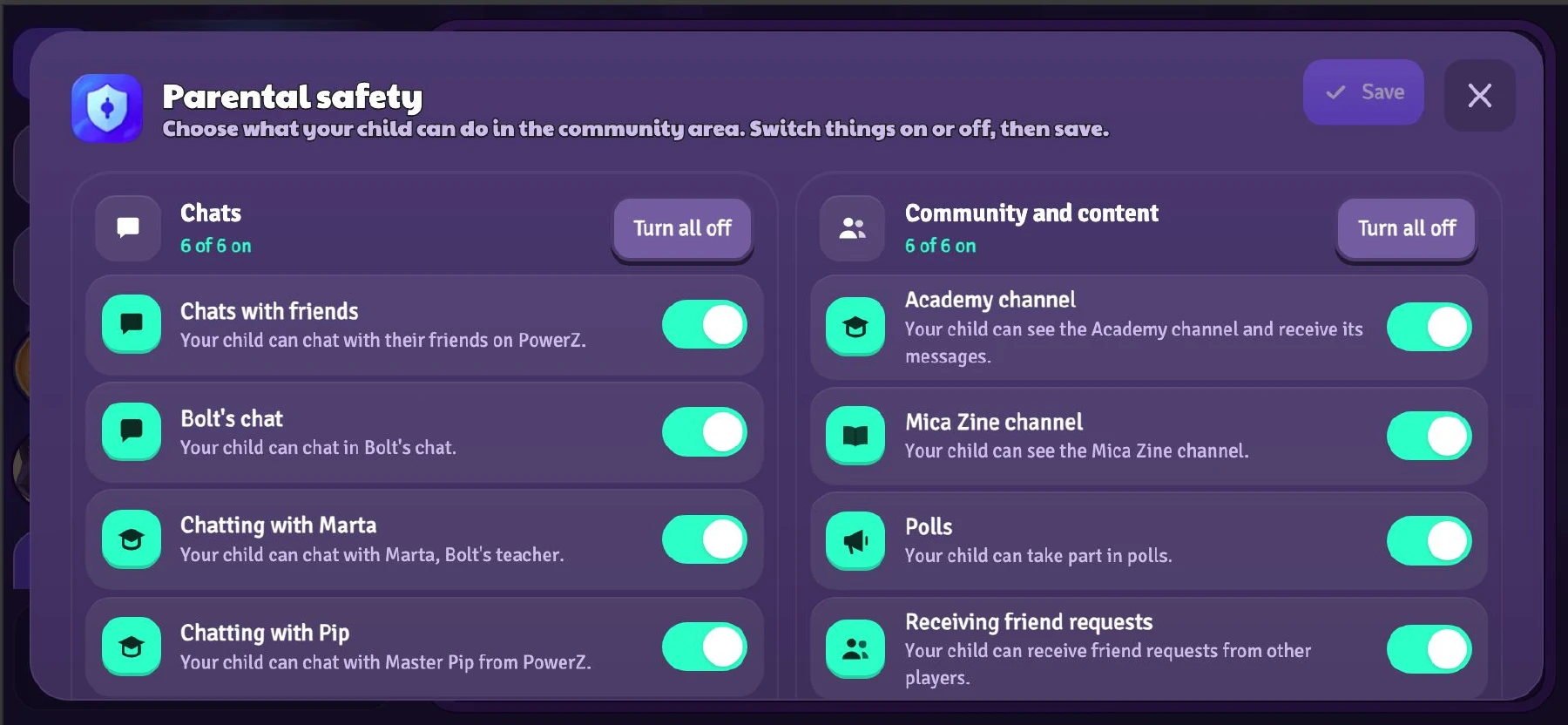
You have complete control over your child’s social experience. All permissions are safely housed in Settings > Profile, locked behind the Parent Gate.
- Chat Options: Set chat to All Players, Friends Only, or turn Chat Off completely.
- Friend Request Options: Choose between Send & Receive Requests, Send Requests Only, or disable Friends Off entirely.
How Moderation Works
- Automated & Human Safeguards: In-game messages are scanned automatically before delivery. Real-time filters block phone numbers, email addresses, external links, and inappropriate words instantly.
- Active Review: Our human moderation team reviews flagged conversation logs to take prompt action when needed.
- Instant In-Game Blocking: Children can block troublesome players directly with a single tap. If you ever need assistance, reach our team via in-game support or email [email protected].
How Is My Child’s Privacy Protected?
We collect only the essential operational data required to run and protect the game. We never sell your child’s data. For full details, review our Privacy Policy or email questions to [email protected].
Need a Hand?
Our support team is always ready to help with settings, purchases, or questions. Reach out via the in-game support feature or email [email protected].
Explore the World of PowerZ
Discover Aria, story-driven quests, and adaptive mini-games today.